The Meazure Exam Platform can be accessed via https://yardstickadmin.com/en/login.
You will be asked to enter your administrator email address and password. Typically this is your professional email address linked to your institution.
If it is your first time accessing Meazure, your first step will be to set your password. You will be asked to enter your administrator email address before you can access the "Forgot your password?" link.
The forgot your password link will be valid for 24 hours.
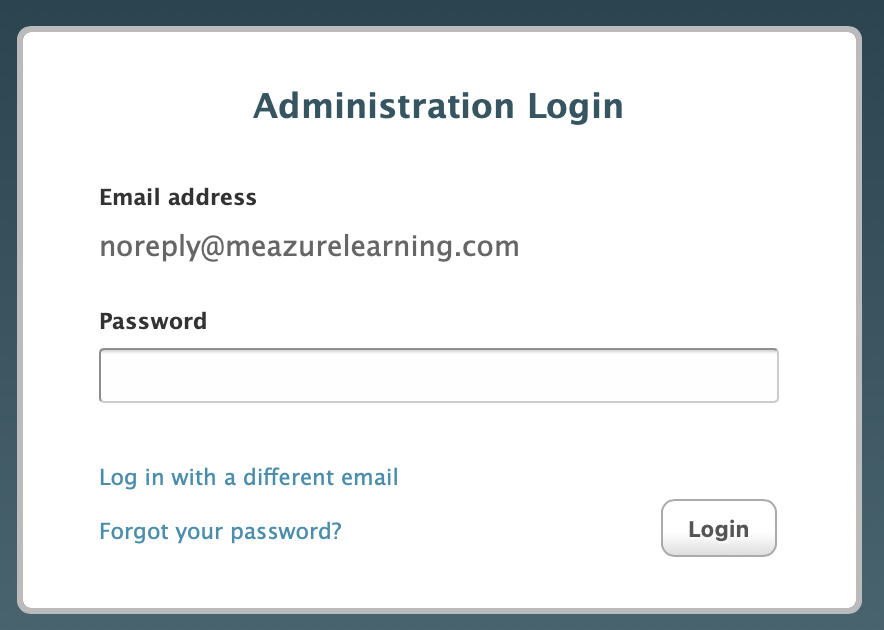
Your administrator email address is case sensitive. Be sure to have the correct uppercase and lowercase characters.
You will be prompted to update your password every 90 days.