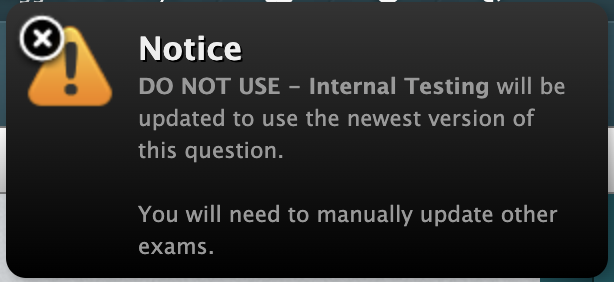
Items and exams are independent in the Meazure platform. When an item is updated in Meazure, it is not updated on every exam on which it appears. If you'd like the item to be their most up-to-date version on active exam forms, you must also update the versions on exam forms.
This can be done by going to the Questions & Exams tab and navigating to the exam form you need to update. Any exam form where newer versions are available will display an 'Update all to newest versions' bar along the top. Alternatively you can select to 'Update to newest version' to update a single item on that form.
Please note that this versioning applies to static exam forms. Any rules-based exam form will automatically use the most current item version.
‘Update all to newest versions’, displayed at the top of the form:

‘Update to newest version’, displayed on an individual item:

It is also possible to edit items directly in the exam builder. Updates made within the exam builder will be reflected immediately on the exam form.