A single instance or copy of a rules-based exam can be generated using the ‘instantiation’ feature, effectively capturing a static version of the form. This is a useful way to generate a set of questions that meet the exam criteria as described in the exam rules. Once the form is instantiated, the question set can be more closely evaluated. This feature can also be helpful to shuffle questions.
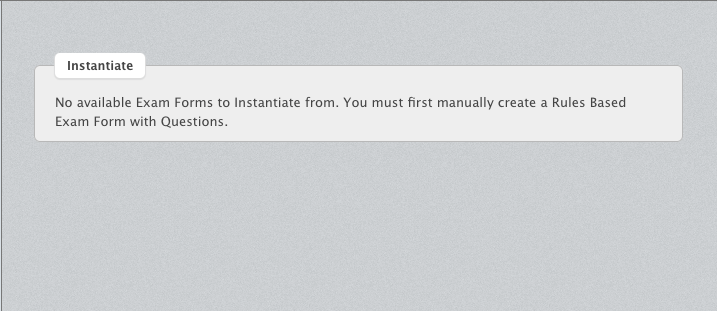
For this method to work, an existing rules based form must exist within the exam shell.
To instantiate a rules based exam form, follow the steps below:
- Navigate into the Questions and Exams tab
- Click into the Exams section
- Select the exam that you are building
- Choose “New Form”
- Create a form name and do NOT select “Rules Based”
- Save
- Locate the rules-based exam form
- Choose the Instantiate 'Form Name' button
- Select which rules-based exam form this will be instantiating
- Confirm instantiation
If there are no rules-based forms attached to the shell, there is nothing to instantiate.